Remarks
The control cluster can be used to give more fine tuned control over where the touch controls will be displayed on theouter portion of the wheel.
Common uses include:
- Have one control take up two
outerslots of awheel. This is commonly used when you want to have a larger hit area for a button on theoutersection. - Expand the layout options in the
outerslots by creating groupings of three or four controls in a triangle or square configuration.
Patterns for control cluster in the
outer wheel area
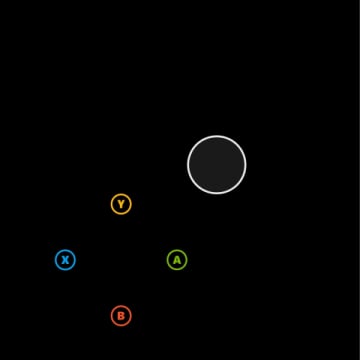
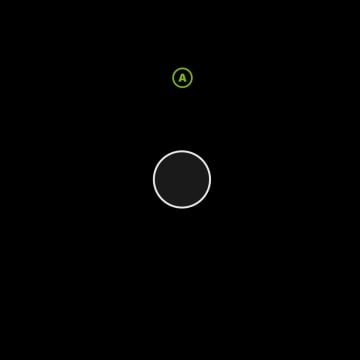
Images show the full rendering of the wheel with a joystick in the inner slot and the outer layout as specified.
Pattern 1. One control spanning two outer slots
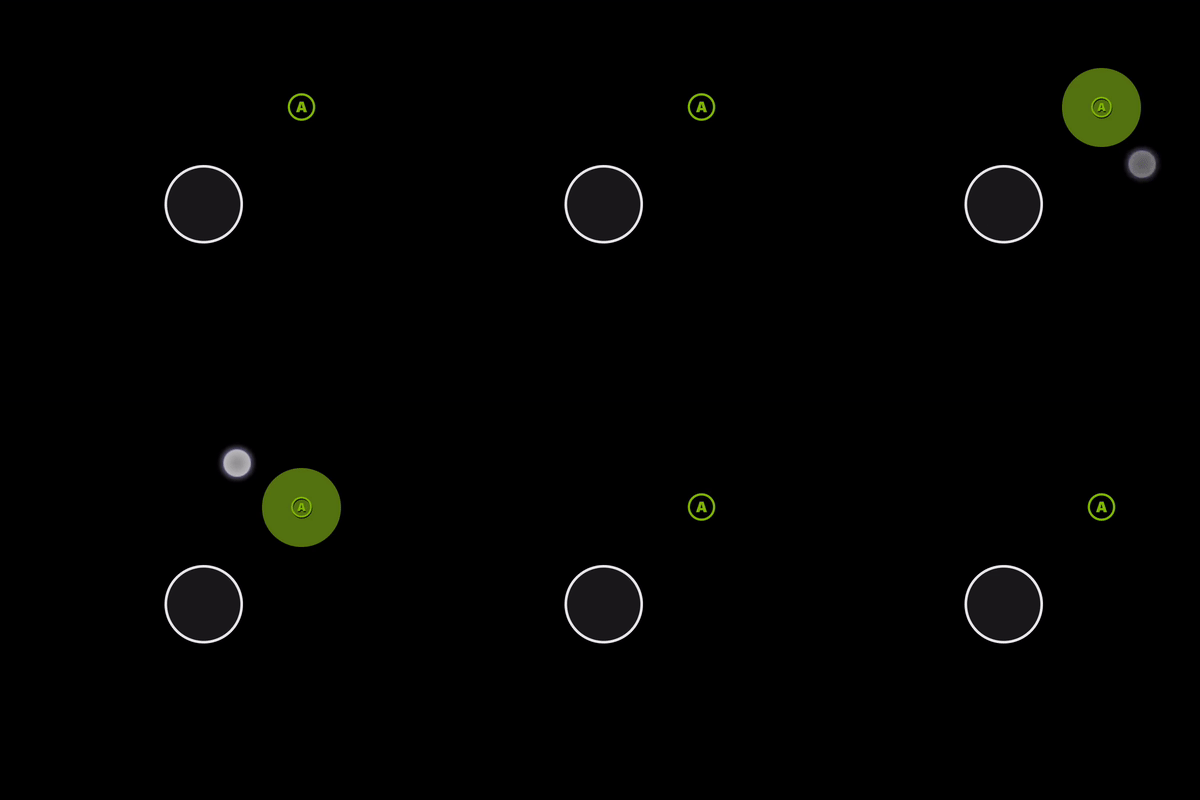
Pattern 2. One control aligned to 12’oclock on the wheel
Pattern 3: Three controls in a cluster
Using three controls in a cluster is a good way to add additional controls once all the outer slots are utilized. It works best in the fifth slot on the right hand.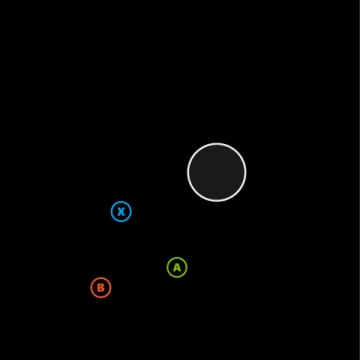
Pattern 4. Four controls in a cluster
If you need an additional control in the three cluster, use four controls in the slot. It works best in the fifth slot on the right hand.